If someone accesses your iPhone without physical access
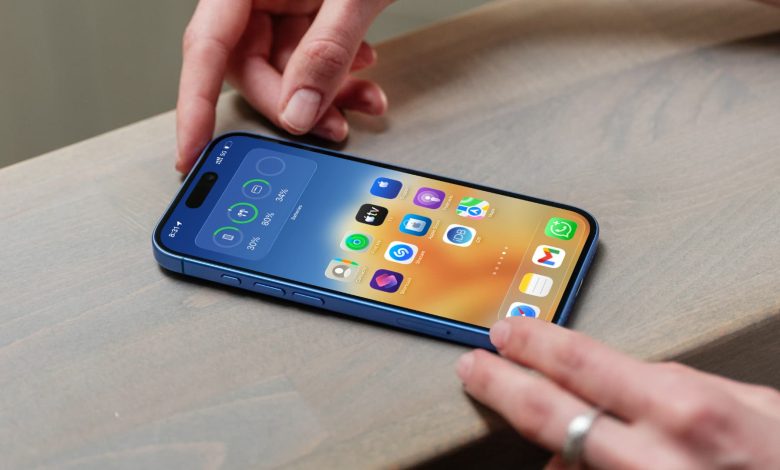
Go through these points if you have reason to believe that your iPhone or iPad has been hacked or compromised, or that someone is using it.
Even though there have been reports of malicious apps making their way to the App Store and users being tricked into installing malicious profiles, all things considered, iOS is still one of the most secure software platforms that can withstand traditional viruses and malware.
That said, if you’re going through your Screen Time usage and notice unusual activity, or if you’re seeing changes to one or more apps, the Home Screen, etc., that you don’t remember making, here’s what to watch out for.
Are your app accounts imported to other devices?
A few years ago, I read a story on social media about a person who logged into his partner’s WhatsApp account through a web browser and monitored the conversations.
Many applications in all categories allow you to use them on many devices and locations. For example, you can use the same WhatsApp account on your iPhone, iPad, Mac, Windows PC, and even an Android phone. Therefore, if you see new texts or find that a conversation has been deleted, it is possible that someone else who has access to your devices, such as a family member, did it.
For many apps and services, you can go to the account page and see all the places where you’re signed in. If you don’t recognize the device, log out remotely.
Are the devices connected to your account used by family members?
Let’s say you see a new app on your iPhone home screen that you’re sure you’ve never downloaded. Instead of thinking your device is vulnerable, it’s possible your child downloaded it from the family iPad using your Apple Account, and “Automatic App Download” is enabled in Settings, causing the new app to be installed on your iPhone as well.
If you see something unusual, ask a family member first before you become overly concerned.
To resume, if you see something different in a note, document, playlist, iCloud Drive folder, Apple Passwords app, or the like, take a minute to check if that item has been shared with family, friends, or co-workers. If so, they may be the ones who made the change; don’t worry that your iPhone or app is at risk.
If you have recently sold or lost a device
Have you recently sold, gifted, or lost an iPhone, iPad, or Mac, especially one that was previously password protected? If so, you may be in big trouble, as the thief may be the one making changes to your data stored in your cloud accounts, which also appear on your current device.
We have an essential guide that tells you about 15 things you should do before selling or giving away your iPhone, iPad, or Mac. Since the device is not with you, use iCloud to wipe it remotely. Then, change your Apple Account password.
Learn about the built-in remote access feature

FaceTime has a useful option that allows one of the participants to take remote control of the other person’s device and make changes to it.
If your elderly parents, grandparents, or children are complaining about problems with their device, ask yourself if someone (probably a scammer) has tricked them into sharing their device’s screen and gaining remote control of their iPhone.
For computers, fraudsters mostly use software like AnyDesk to trick victims into giving remote access to their devices.
Can someone access your iPhone through iPhone Mirroring

Consider the situation: your iPhone is on the table next to your bed, and a family member is using your Mac nearby. In this case, they can use iPhone Mirroring on your computer to do pretty much anything on your iPhone without touching it. Your iPhone won’t even alert you or illuminate, leaving you in the dark.
To address these concerns:
- Add new user accounts to your Mac and prevent anyone from using your main administrator account.
- Set up iPhone Mirroring to authenticate with an iPhone passcode every time. But keep in mind that this can quickly annoy you if you use this feature.
It could be an accidental touch or a faulty screen
If you find that applications open or close automatically, or you see unwanted touches, it could be for these reasons:
- Your iPhone screen is faulty.
- The screen digitizer is malfunctioning, causing missed touches or ghost touches.
- The case you’re using presses the screen in weird places. Delete it.
- The screen protector was not used properly.
Get your device checked at an Apple store to fix such problems.
Profiles and viruses
Finally, since it’s as secure and restrictive as iOS, we can’t fully deny someone gaining access to your device with compromised profiles or malware. If you are concerned about this, there are several steps you can take, and we have mentioned them under the following article.
Some steps you can take to stay safe
What changes have you noticed on your iPhone or iPad that make you think your device is hacked or someone else is using it?