Review: Google Pixel Watch 4
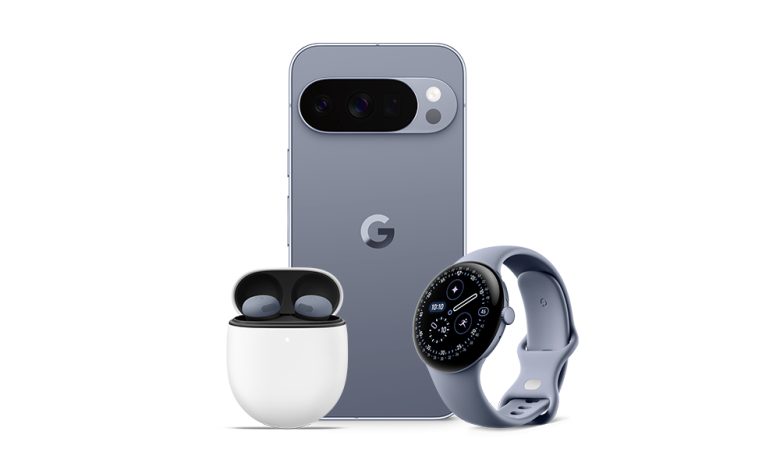
The new Pixel Watch brings tough competition to the smartwatch segment at a low price
Read Tech
Review: Google Pixel Watch 4
The new Pixel Watch brings tough competition to the smartwatch segment at a low price
Google recently updated the Pixel Watch. Wait, what? You could be forgiven for thinking that after Apple entered the fray with the Apple Watch and quickly dominated the “wearable” space, all other manufacturers dropped out of the competition. Close, but not quite.
Fact: Apple’s close control of the smartphone space allowed them to assert the same in wearables. That’s because wearables aren’t just timepieces—they’re designed to function as health sensors, portable extensions of smart phones. And they are specially designed to work fully only when paired with an iOS or Android phone.
All that context is to understand that if you want a Pixel Watch 4, but your primary cell is an iPhone, that thing in your hand is going to be a shiny, but deeply flawed bauble. Ditto for any Apple Watch you want to pair with an Android phone. It doesn’t work. These are digitally fenced ecosystems, designed to keep you using their products’ devices.
That said, it’s still worth thinking about the design of the Pixel Watch 4 compared to what Apple has to offer, because its form factors and functions represent two very different approaches to providing the same features and information.
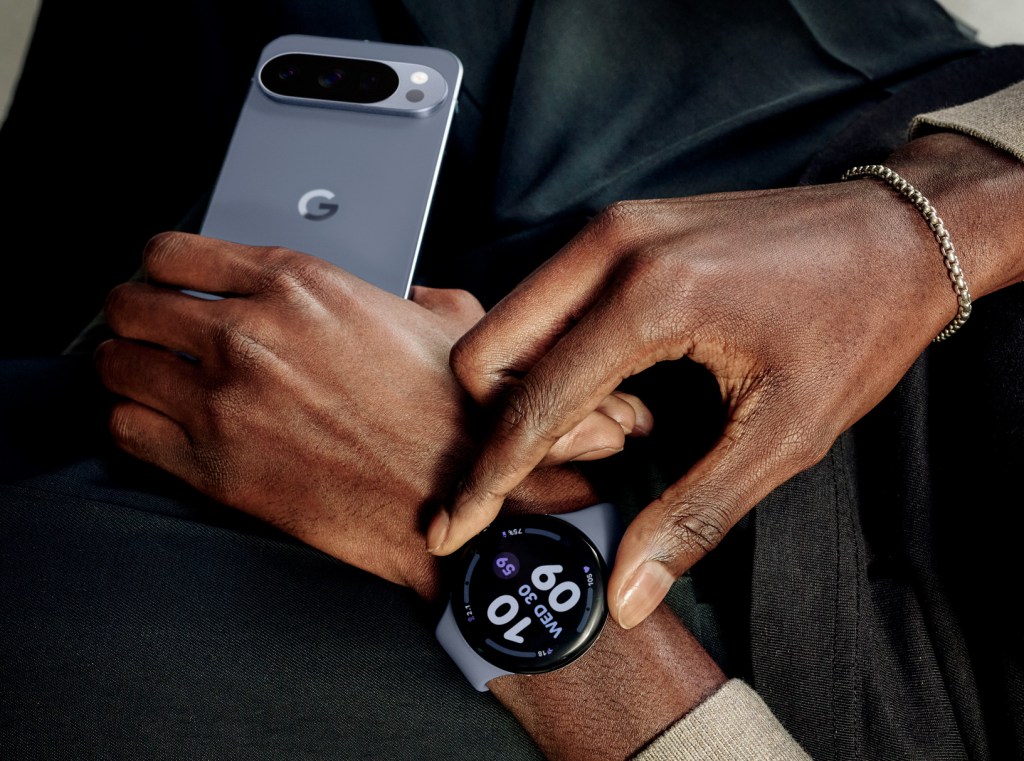
Looking at the Pixel Watch 4 starts with understanding what it is. Unlike the Apple Watch, Google chose to make its Pixels round rather than squoval. You can choose between two sizes, 41mm and 45mm cases, and both have a slightly curved angle to the watch face. The display is incredibly bright and beautiful, with analog-like “complications” in the time display. Apple has also played with these animations, but the Pixel 4’s design offers more visual depth to the watch face. Similar to an analog watch where the hands sit under the crystal, the Pixel 4 has that fluid quality of seeing the action underneath, not in it.

Several Pixel watch faces reflect this well; one called the Expedition has an offset second hand and a main ring that serves as a second marker. In the middle, in what would be the axis of the dial, you can add complications such as date, weather, step count and hearing level. It’s just beautiful, and clearly Google is using its technological prowess with this build.
What’s worse is that for all its digital prowess, the Pixel is let down by its rather uncomfortable Active Band. Like the Apple Watch, the bracelet attaches with a proprietary anchor system that locks into the body of the case itself. Unlike Apple’s silicon bands, however, the way these are attached to the Pixel 4 creates a gap between the edge of the case back and your wrist. And the orientation of the strap clasp isn’t good enough to be flattering enough. This led to a floppy feeling while running—or the tourniquet option, which was also unpleasant. There are better bands to choose from, but too bad the stock ones are sloppy.
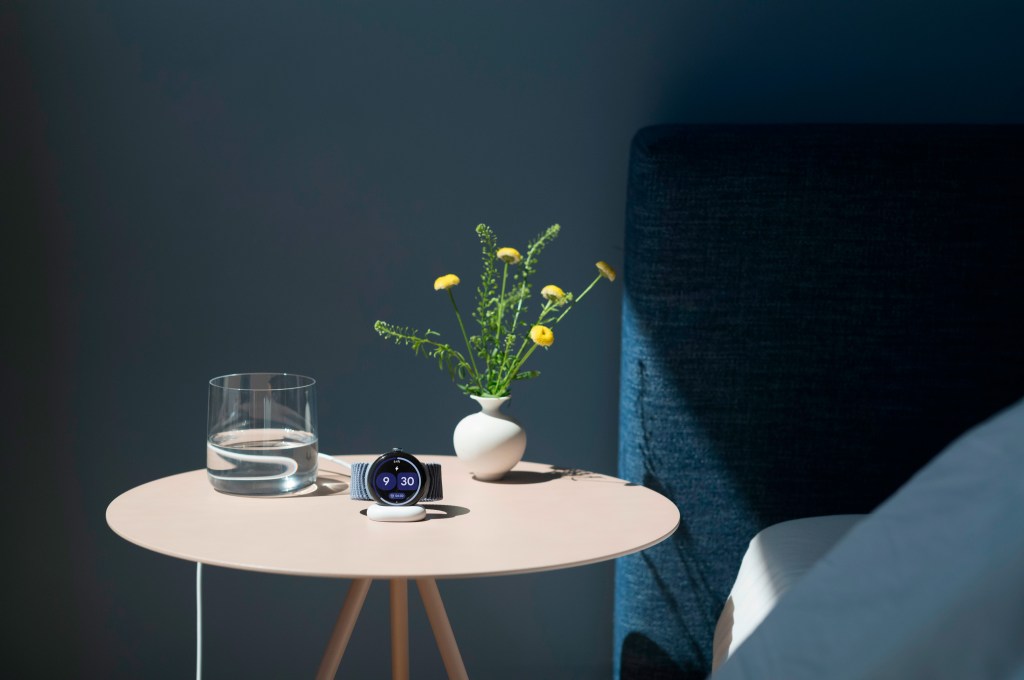
But the other Pixel’s 4th-edition book is very powerful. Battery life is decent, with a claimed 40 hours, which is important if you want to track sleep. Ideally, you could wear the Pixel all day, perhaps to track your fitness, sleep with the device on, and then charge it while eating breakfast so you can get in a full tracking session each day. Charging is simple but attractive. Unlike the Apple Watch, which sits on a small, magnetic puck, facing down on the back of the case, the Pixel Watch 4 charges on its side with a small curved piece. Unfortunately that charger is so dark, it’s easy to knock it sideways and accidentally knock the Pixel out of its seat, only to find it’s dropped and not really charging. Fortunately, fueling is quick, and it didn’t seem to take more than 25 minutes to get to a full tank.
One aspect of the Google Pixel experience is that fitness data is, by default, migrated to the Fitbit app—because Google bought that wearable maker and seems to be thinking of using Fitbit’s product news. But the Fitbit app feels completely organized about overall health and not just for tracking workouts. So features like nutrition and “daily fitness,” a measure of your rest before working out, all pile up on Fitbit’s jargon-laden dashboard. Just getting a completed workout requires more tapping and swiping than it’s worth.
On the other hand, the Pixel 4’s sleep tracking is excellent and seems to be much smaller than what Apple offers. He climbed into bed and slept. There’s nothing to monkey around with, no settings to remember, no buttons to push. It feels relaxing and leaves you feeling relaxed. It also sounds when you wake up, no tapping required.
It also automatically tracks workouts, requiring no input from the user. You can just go for a run or walk, or start riding a bike and that exercise will be available on your phone when you’re done. And as we tested it against the current Apple Watch Ultra, the accuracy of heart rate data, speed, and mapping all seemed equal or even higher.
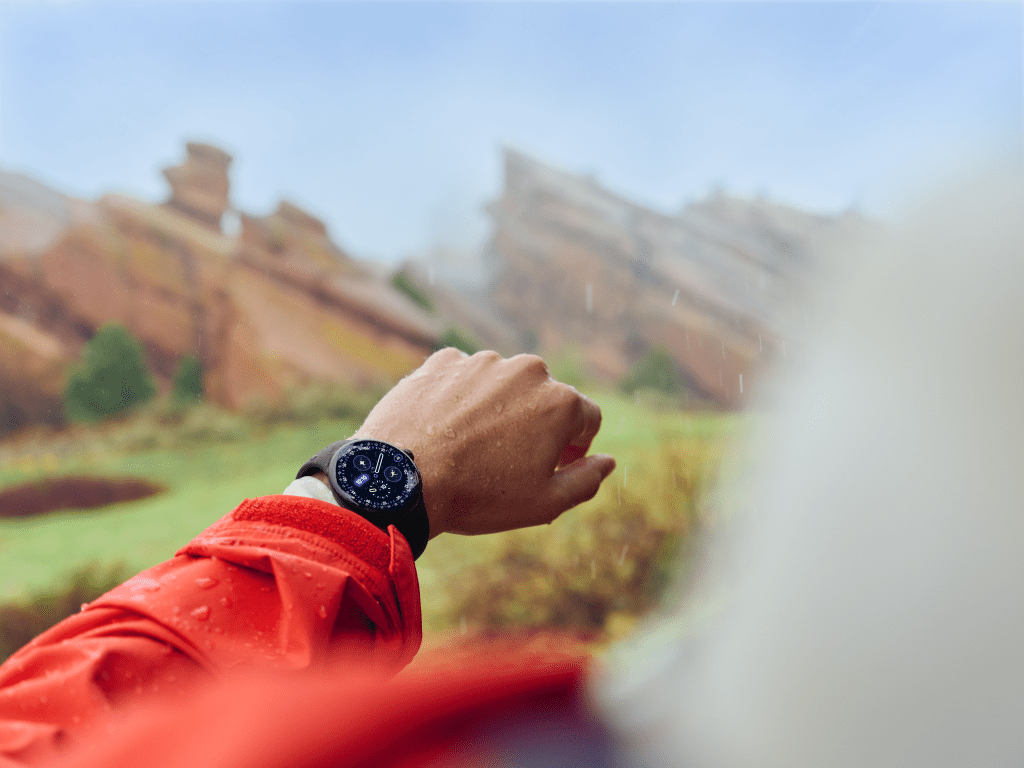
The downside is that if you’ve left the Pixel in its default sensing mode, you can’t look down at your arm and see your current pace, for example. Yes, workouts are tracked, but in the background. The Pixel doesn’t show the latest intel in its tracking mode. You can still start a workout, but unlike the Apple Watch, where it will encourage you to record an outdoor run or walk for 10 minutes in a sweat session, and then start recording (and show you information such as speed), the Pixel 4 does not work this way.
Logical “hacking” is also what Apple allows, recording your fitness in another app, like Strava. And that offers more, too, because that lets you avoid the clunky Fitbit app interface for everything but sleep tracking.
In terms of other health metrics, you can measure blood oxygen, heart rate and there is EKG activity, as well as fall detection. And there’s emergency communication via satellite, too, so if you fall—say while skiing and pass cell service—the Pixel can automatically trigger a 911 call.
Ironically, the Pixel Watch 4 also integrates Gemini with the function of raising your hand and talking. That is, raise and speak into the Watch’s microphone, and make requests just like you would with a smart speaker.
We found the performance hit or miss. First, know that the Pixel uses its own connection to your Android phone. Even then, when we ask the Pixel 4 to call a phone number, it gives it the number, confuses the command and creates a nine-digit math formula. However, that was not a common problem. Many functions, such as requesting search results or ordering navigation worked very well; and it brings up the weather forecast and asks the Pixel to tell us about our upcoming scheduled appointments.
Bottom line, the Google Pixel Watch 4 is beautiful, very capable and a compatible device for any Android phone user. And at $299.99 (for the 41mm model), it’s also a very impressive price.