This simple fix can revive many phones that refuse to charge
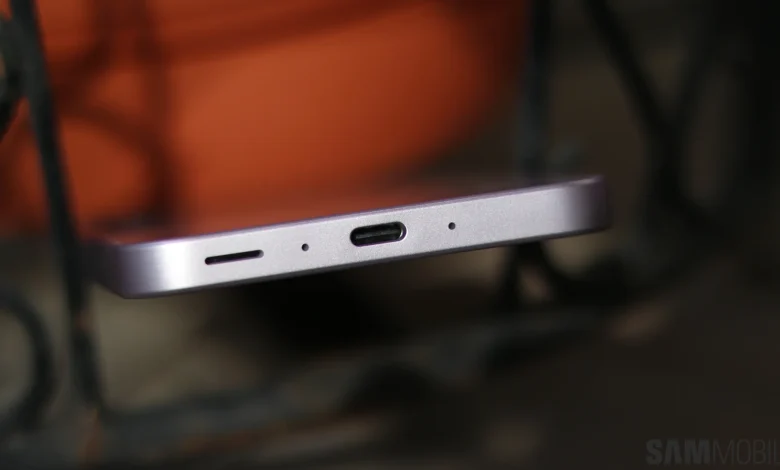
One of the most common problems faced by smartphone users is a phone that stops charging or struggles to maintain a stable connection through the USB port. In most cases, however, this problem has a simple fix that you can do at home. Here’s what you need to know.
What is causing the problem?
Simply put, if you use your phone a lot – whether it’s a Samsung Galaxy device or another brand – it’s likely that dust, lint, and pocket debris will accumulate inside the charging port.
Because charging ports are almost always exposed, even protective cases offer limited protection.
Worse, every time you plug in your Samsung Galaxy phone for quick charging, you run the risk of pushing some of these particles deep inside the USB-C port.
Over months or years, this material can build up and bond to the bottom of the hole, eventually preventing the charging cable from fitting properly and creating a secure connection.
This formation occurs at different rates for different people. But in most cases, the gradual accumulation of dust and lint is the main reason why the phone stops charging or feels light when connected via USB-C.
How to fix a Galaxy phone that won’t charge
If your phone is struggling to charge and dust or lint is to blame, the solution is simple: clean the charging port.
But be careful! Improper cleaning can permanently damage the USB-C port. Here are a few factors to keep in mind.
Recommendations when cleaning the phone’s USB-C port:
- For extra safety, turn off your phone before starting to clean the USB-C port.
- Use something like a wooden toothpick or small plastic pick to scrape lint and dust particles from under the USB-C port. Be careful not to bend the internal USB-C connector.
- Be gentle and patient throughout the cleaning process. Foreign objects may be attached to the bottom of a phone’s USB-C port for months or years. They may be stubborn. Don’t rush the process.
Dangers, and what to avoid when cleaning a phone’s USB-C port:
- Avoid metal picks or electrical conductors. One wrong move and you can short the USB-C connection, causing permanent damage to the device.
- Avoid pressing the internal USB-C connector into the port. Usually, you only need to remove the debris from the floor. You should ignore the central connector itself as much as possible to avoid accidental damage.
- Avoid cans of compressed air. They can be very powerful, and blowing compressed air at the wrong angles can damage the phone’s microphone or speakers, or in the worst case, pop the phone’s screen or back panel.
Not comfortable doing it yourself?
Cleaning the USB-C port safely is quick and easy with no tools and a careful hand.
However, your mantra while approaching this issue should be “better safe than sorry.”
In other words, if you’re not sure or want to avoid any risk, a phone repair shop can clean your Galaxy phone’s USB-C port safely, usually right away without voiding your warranty.