ASUS ProArt PX13 GoPro Edition Now Available: Price, Where to Buy It, and My Favorites So Far
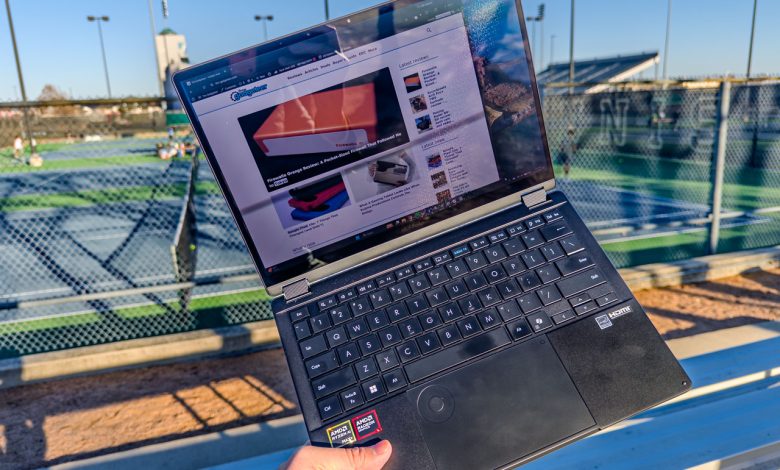
NEWS – Creators’ mobile interactions often stop at branded stickers and logo swaps. ASUS and GoPro have gone somewhere with the ProArt PX13 GoPro Edition, and it’s now available in the United States starting at $2,999.99.
I’ve had this laptop on my desk, and I wanted to share what I know so far. This is not a full review. I haven’t finished my exam yet. But the embargo has been lifted today, the purchase links are live, and there’s enough here to talk about now.
What You Actually Get for $2,999.99
The standard ProArt PX13 costs $2,799.99 and ships with 64GB of RAM. The GoPro Edition costs $200 more as well double that on 128GB of integrated LPDDR5X-8000 memory.
Price: $2,999.99 (GoPro Edition) | $2,799.99 (Regular)
Where to buy: ASUS Store | Best Buy (GoPro Edition) | Best Buy (General)
But the price gap covers more than just memory. You also get the ASUS Pen 3.0 with a wireless charger, a hard shell case with a belt system, a protective sleeve, and a year of GoPro Premium+. ASUS also offers three months of Adobe Creative Cloud All Apps and six months of CapCut Pro.
On paper, the accessories and subscription alone can cost more than $200 if you bought them separately. The 128GB memory upgrade is essentially free. It’s that kind of math that makes this configuration hard to ignore, even if you’ve never touched a GoPro.
Essential Hardware
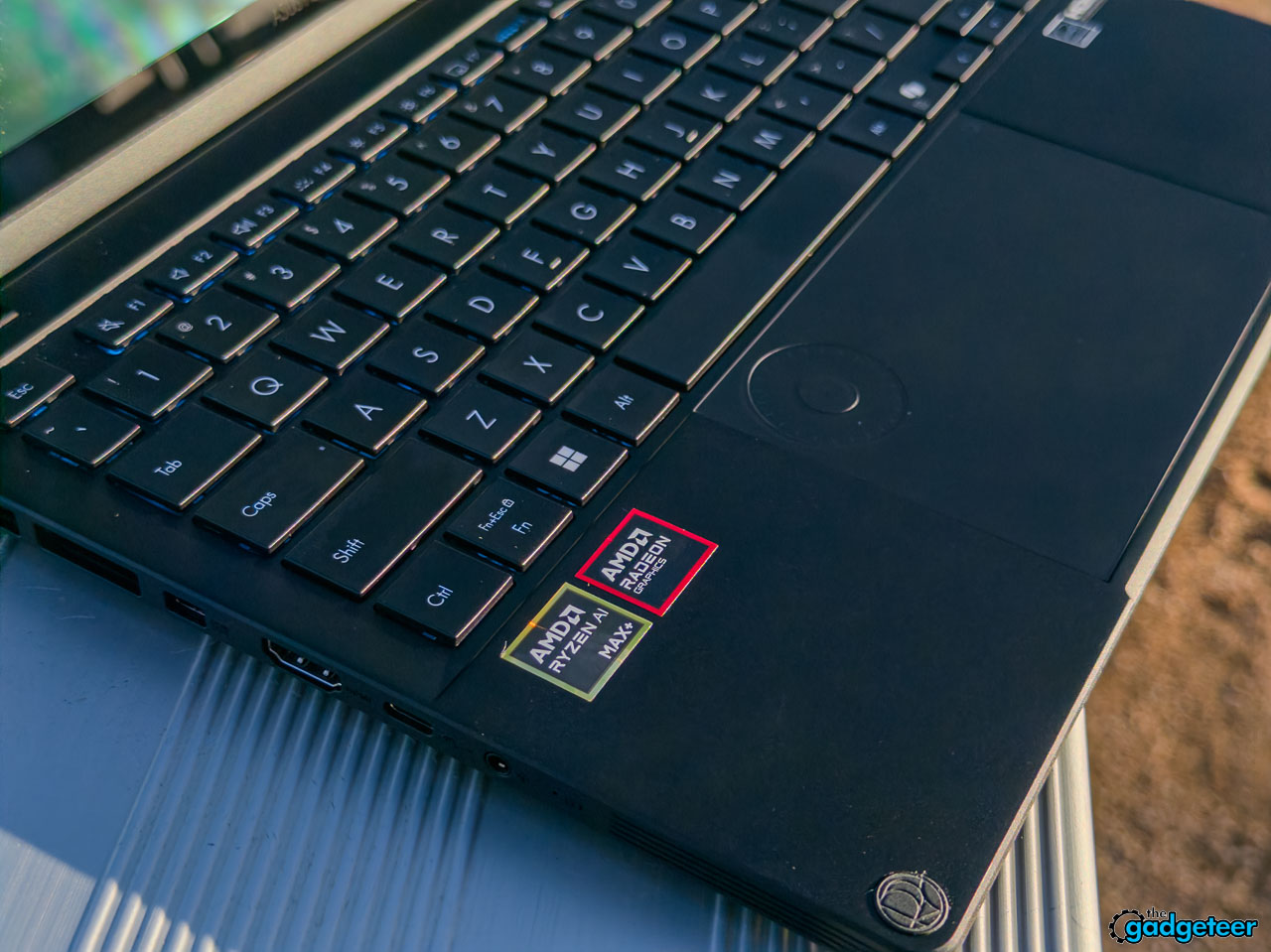
Under the hood, you’re looking at AMD’s Ryzen AI MAX+ 395 with 16 Zen 5 cores and a 50 TOPS NPU. The integrated memory design means that up to 96GB can be dynamically allocated as VRAM. For a 13.3-inch convertible that weighs 3.06 pounds, those numbers feel ridiculous.
The display is a 3K OLED panel running at 2880×1880 with an aspect ratio of 16:10. DCI-P3 100% coverage, Delta E less than 1, and PANTONE certified. Color accuracy is not a marketing point here. Actual reference range on this screen. I have been staring at it for days and the rating has stopped.
The ports are tight for such a machine. The two USB4-C links handle 40Gbps and power delivery of 100W each. You also get a full-size USB-A, HDMI 2.1, a UHS-II microSD slot, and a headphone jack. That microSD slot is a quiet highlight for anyone pulling cards from cameras all day.

GoPro Touches
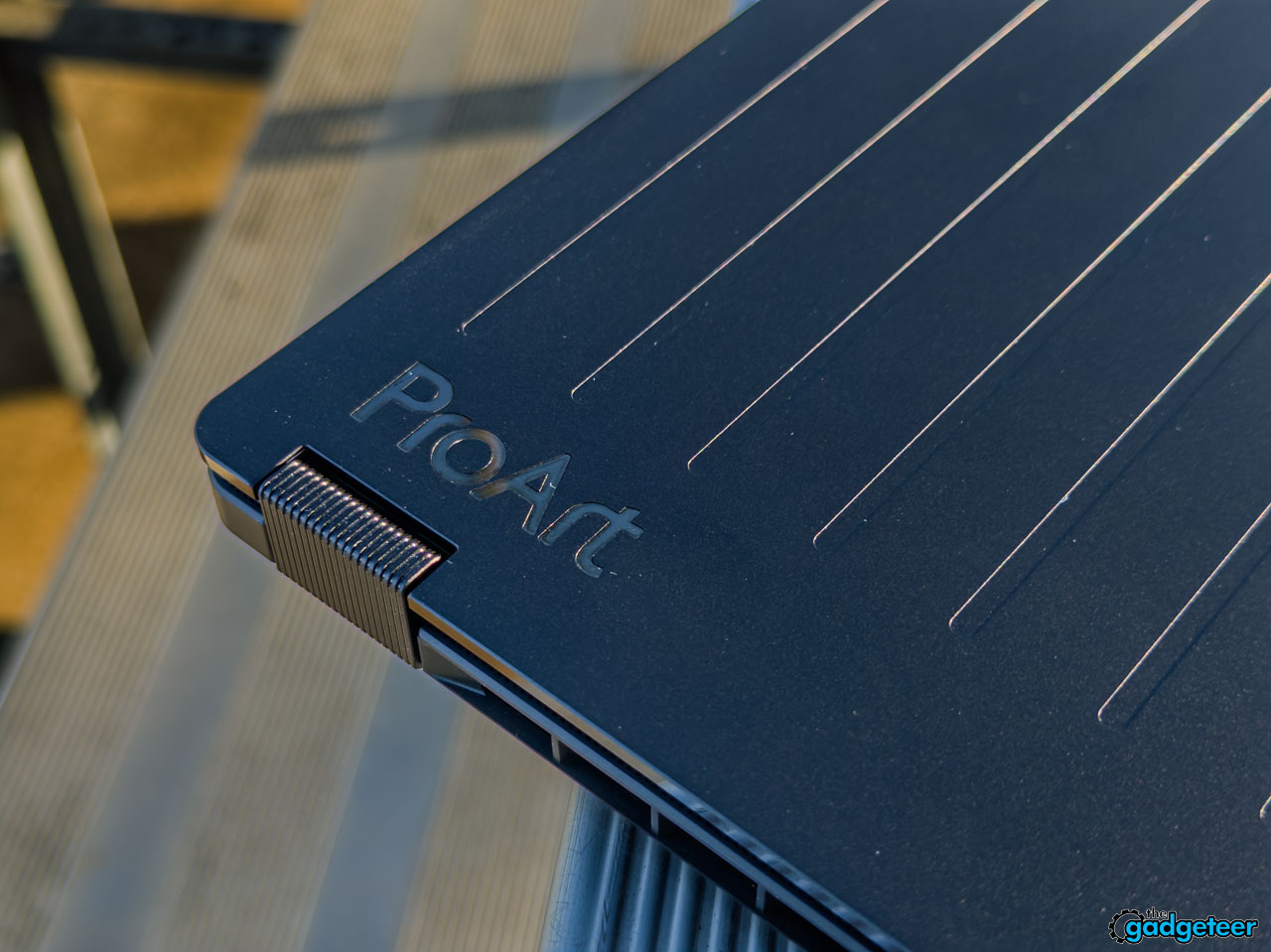
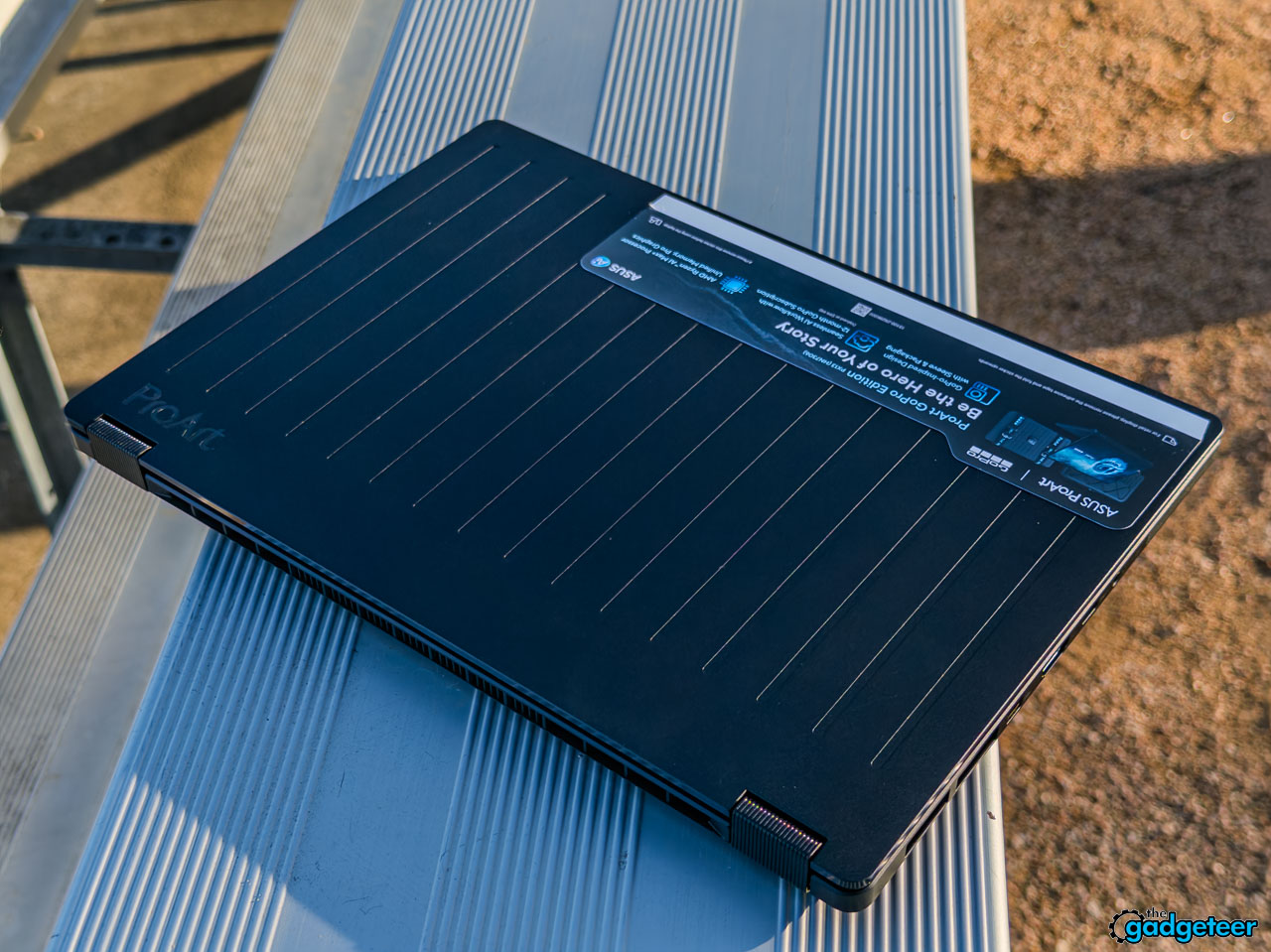
This is where collaboration becomes interesting. The design draws from GoPro’s Hero cameras with straight lines of texture running down the lid and CNC engraved details above the keyboard. There’s a matte-to-glossy black finish that feels purposeful, not decorative.

The Cyan Blue keyboard backlight is subtle and unique. It doesn’t scream co-branding. It looks different from all other black laptops in the market.
Then there is the packaging. The foam cube that ships inside the box is customizable and doubles as a gear carrying case. It’s a small thing, but it shows that someone thought about how the creators moved their stuff. The hardshell case has a strap mounting system that attaches to bags and straps, which makes more sense when you consider that this laptop weighs less than 3.1 pounds and converts to a tablet.
My Favorite So Far
I’ll say it plainly: this thing is fast. Loading large Premiere Pro timelines with 5.3K GoPro footage felt smoother than I expected from a 13-inch device. The integrated memory architecture allows the GPU to draw from a large pool without being blocked, and you can feel the difference when you’re messing around with multi-camera setups.
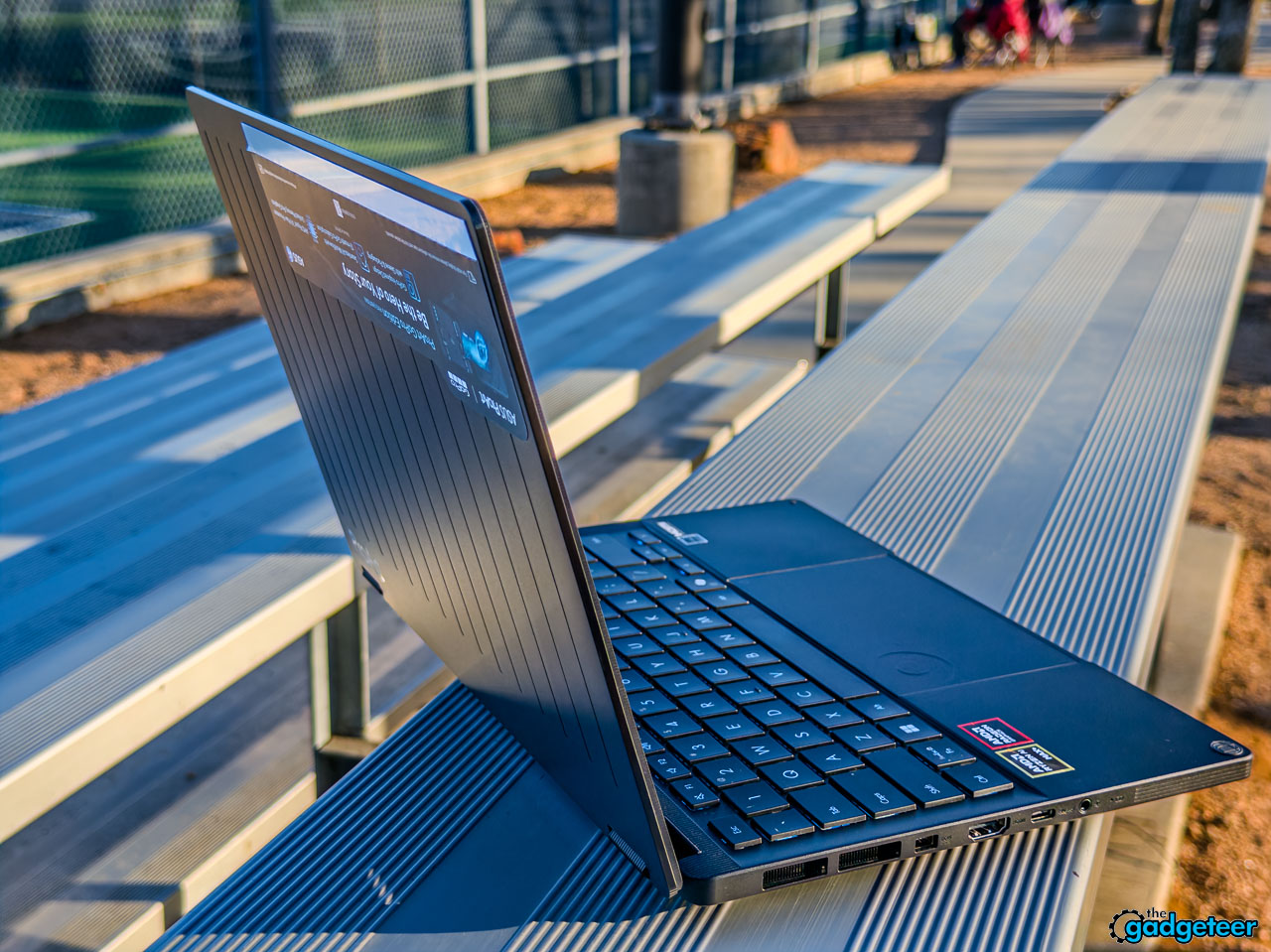
The build quality is excellent. It feels dense and solid in your hands without being heavy. The flexible hinge is solid, and using it in tent mode to monitor playback on set just works. MIL-STD-810H durability certification means I’m no kid when it fits in my bag.
StoryCube, an integrated media management tool, actually surprised me. Sorts video by faces, locations, and timestamps with on-device AI. It’s not the place for a proper DAM program, but for organizing a week’s worth of GoPro clips, it’s really useful.
The 73Wh battery keeps things running longer than most creative laptops I’ve tested at this performance level. I haven’t done my full battery benchmark yet, but regular use throughout the day was encouraging.
What I Still Need to Check Out
I haven’t run my full benchmark suite yet. That means I don’t have concrete numbers for the GPU’s continuous performance under extended rendering, accurate battery life statistics, or thermal behavior during long export sessions. Those results will come in a full review.

I also want to spend more time with Newstreet’s offline AI generation tool and push the Copilot+ PC features into a real programming workflow. I also need to test how the 60Hz refresh rate on the OLED panel feels during extended use compared to other high refresh rates.
Fan noise under heavy creative load is another area I look at. The previous opinions make sense, but I want proper measurements before making any claims. The full review will cover all of this in detail.
Price: $2,999.99 (GoPro Edition) | $2,799.99 (Regular)
Where to buy: ASUS Store | Best Buy (GoPro Edition) | Best Buy (General)
I’ll have my full review with complete test data, benchmarks, and final verdict soon. In the meantime, if you’re a creator who needs serious portable power and the number of figures in this GoPro Edition configuration makes sense to you, it’s worth a look.
Do you like our content?
sign up in our newspaper today.
No ads, no spam, links to our latest articles!