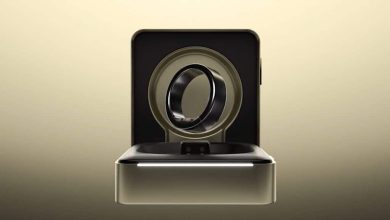
Samsung Wallet’s ‘Digital Home Key’ lets me use my phone to open my doors
What you need to know
- Samsung has announced a “Digital Home Key” feature for its Wallet app, giving users the option to unlock their smart home locks with their phone.
- Equipping a “compatible” smart lock in your home allows users to choose between UWB or NFC communication to unlock their home, like Samsung’s partners Aliro.
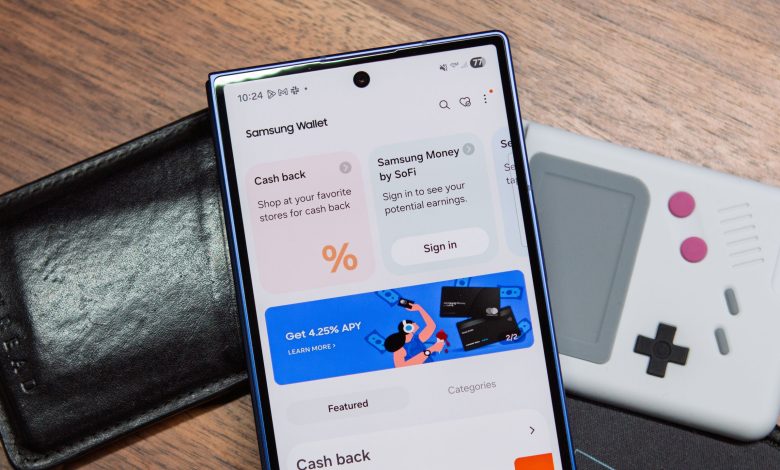
- Recent updates to Samsung Wallet have focused more on payments, such as Tap to Transfer and split in-store payments.
Samsung kicks off its week with a smart home announcement focused on bringing users into their secure homes.
Earlier this morning (Mar 2), Samsung announced the arrival of a “Digital Home Key” within the Wallet app. The company says the feature aims to provide users with a “secure and easy way for users to unlock the door.” The details say that Samsung has partnered with Aliro, the CSA (Connectivity Standards Alliance) industry standard.
This partnership is said to bring interoperability between digital keys and smart locks. Regarding the Samsung Digital Home Key, if consumers have purchased and set up a “compatible” smart door lock through SmartThings, they can add the Digital Home Key through the Wallet onboarding process. In addition, once everything is set up, users will have the choice of using UWB or NFC, depending on what the smart lock you purchased supports.
NFC will require you to tap your phone to your key, while UWB requires you to be close. Although Aliro is a protocol developed by the CSA, Samsung has its own security protocols in place for the Digital Home Key. The post says users will be protected with Samsung Knox, and your home key is stored “securely” on your device. Biometric or PIN security options are available in the Wallet app to ensure users are always in control of their home keys.
Samsung confirms that the Digital Home Key will start rolling out to users this month (March). It also plans an expansion aimed at compatibility with compatible smart lock products.
Digital Wallet comes with home
It’s different, of course, to see Samsung Wallet enter the smart home ecosystem like this, since the previous two updates were about payments. Last summer, Samsung finally started rolling out a way for users to split payments at the store during checkout. The feature is paired with Visa and MasterCard for consumers with no credit check or new financing required. At checkout, users will see a “Pay in installments” option next to their eligible card.
It brought peace of mind to users who want to make large purchases, as they could do so in a very convenient way.
Another update brought Tap to Transfer for US Galaxy users. This enables direct P2P payments from debit cards in Wallet to recipients’ bank accounts.
Android Central Take
Any smart home extension—take Samsung’s Digital Home Key, for example—is nothing but QoL in my eyes. To quickly save a digital key to my phone and tap it on my smart home key sounds like a match made in heaven. Obviously, this needs to be tested to see how it works and sounds in practice, but on paper, I like what’s presented. There is less authentication here, having the CSA protocol as a backbone, too. It can help consumers make their decision that much faster, and with confidence, too.